

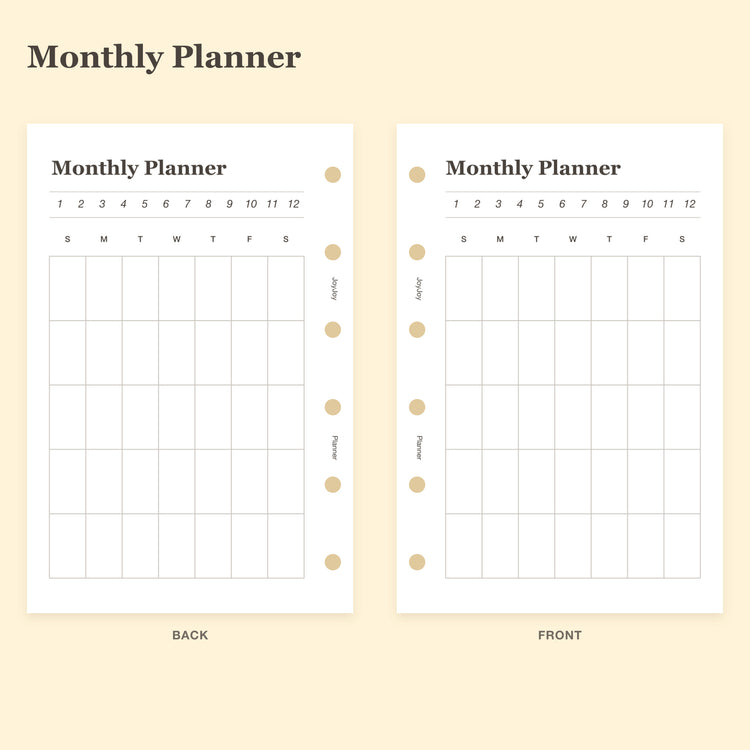
Monthly Planner Portrait Inserts | A7 Pocket & M5 Mini 5
From $5.99
From $5.99
From $5.99
$6.99
From $5.99

$19.99
 Sold out
$9.99
 Sold out
$7.99
From $5.99
From $5.99
From $5.99
From $5.99
From $5.99
From $5.99

From $5.99

From $5.99
 Sold out
$9.99
 Sold out
$7.99

From $5.99

From $5.99
From $5.99

From $5.99

From $5.99

From $5.99

From $5.99

From $5.99
 Sold out
$9.99
 Sold out
$7.99
Planner inserts are removable refill pages that let you build a planner around the routines you actually use. JoyJoy inserts are organized by finished page size and by job, so you can choose A7 / Pocket, M5, A5 or Personal pages without mixing incompatible ring patterns.
If you already own a binder, start with the exact paper size, hole count and ring spacing. If you are still choosing a setup, compare the size collections below before adding monthly, weekly, habit, budget, meal, challenge or note pages.
Planner size names are not universal across brands. A page called Pocket, A7, Mini 5, A6 or A5 may still use a different finished size or punched-hole pattern. Before ordering, compare all three details: finished paper size, hole count and ring spacing.
Need help choosing? Read what planner inserts are and how to choose them, compare formats in the planner size guide, or check the A7 planner insert size guide if you are shopping for a Pocket six-ring binder.
Start with the paper style you reach for most: blank pages for a flexible space, soft ruled pages for writing, dot grid pages for light structure, or translucent vellum refill paper. Select your planner size and check the exact measurements and holes.
Choose Blank Planner Inserts for notes, sketches or a layout you draw yourself. Check the available sizes and pack contents on the product page.
Soft Ruled Notes provides writing lines; Soft Dot Grid offers light structure for notes and flexible layouts. Each is a separate refill pack.
Translucent vellum refill paper offers blank see-through pages. Check the exact width: JOYJOY M5 and M5 Narrow are different options. Vellum envelopes are sold as accessories.
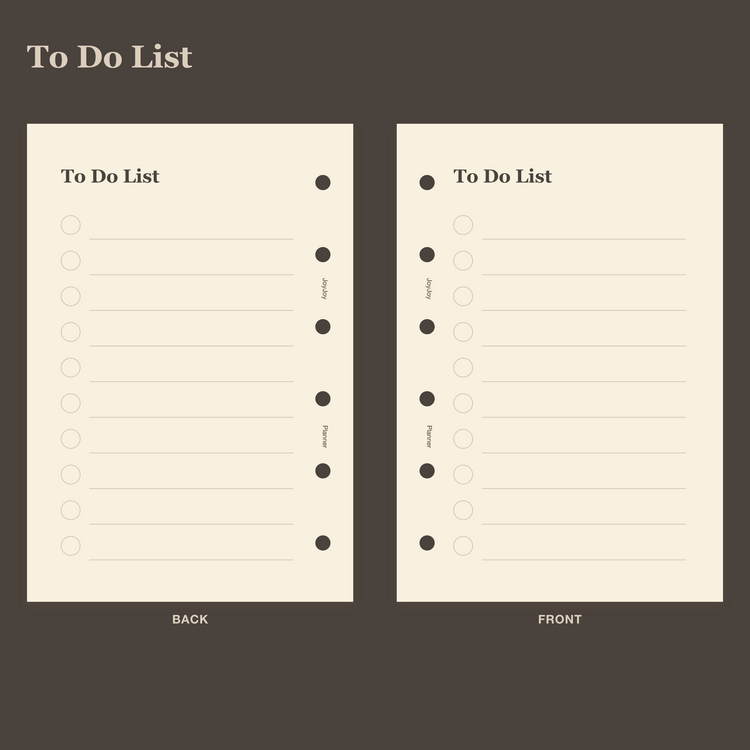
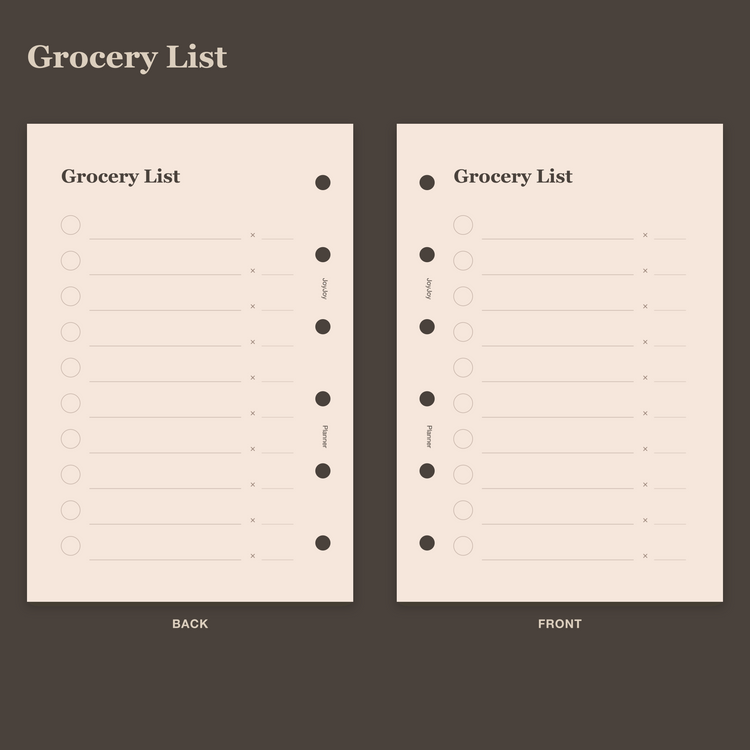
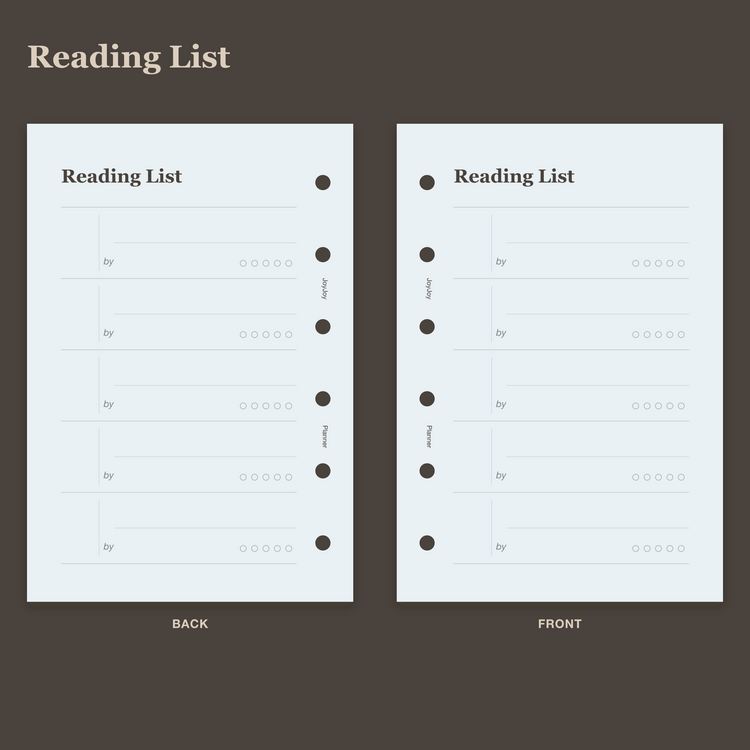
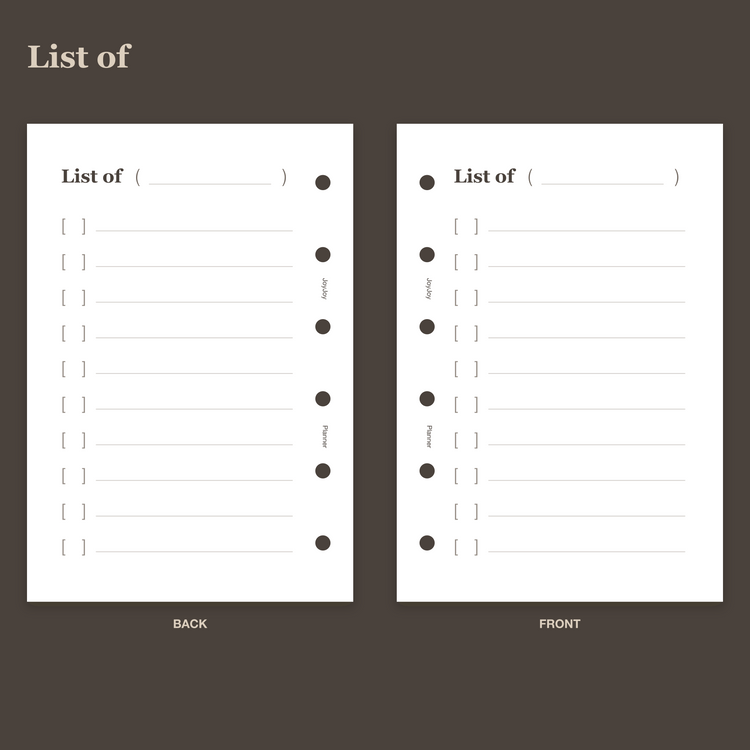
Keep everyday lists in one place. Choose a to-do list for tasks, a grocery list for shopping, a reading list for books, or a customizable list you can title yourself. Select a layout and then choose the planner size that fits your rings.
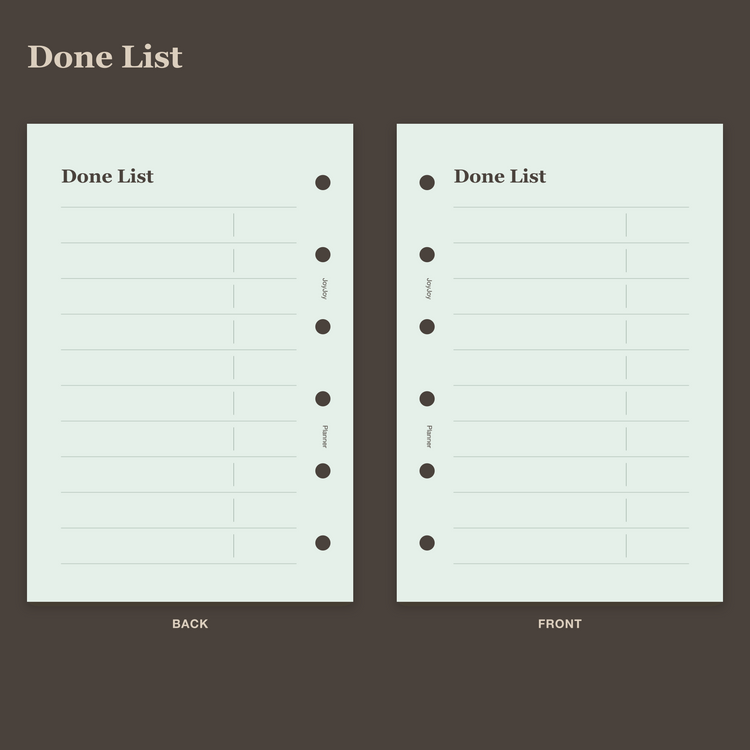
Use a To Do List for upcoming actions and a Done List for completed work. Choose the layout that matches what you want to keep visible.
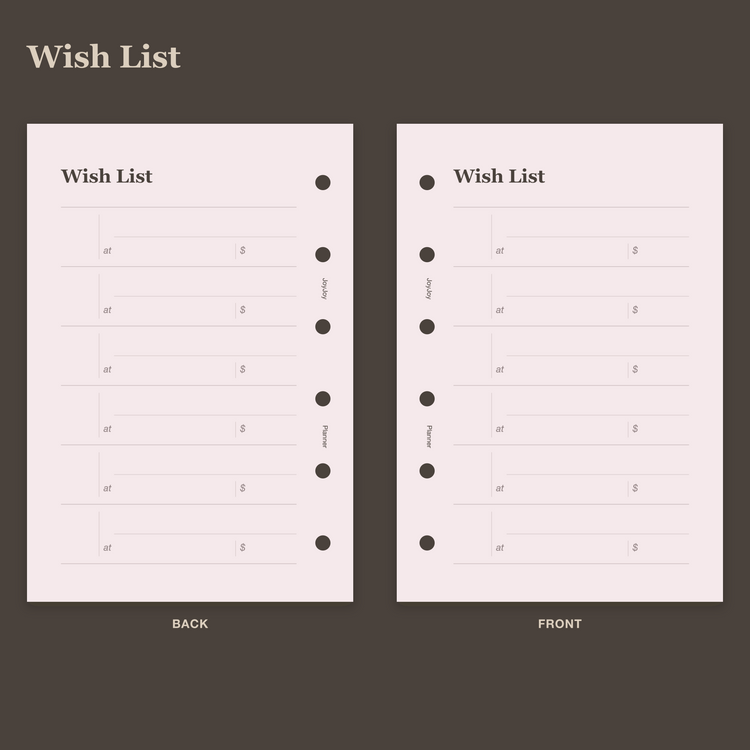
Keep grocery trips and wish lists on separate pages. Grocery List rows include an optional quantity field; Wish List pages keep items you want to revisit.
Choose Reading List for books or a Customizable List for a topic you name yourself. Existing Reading Tracker pages in Personal and A5 provide a separate reading-record layout.
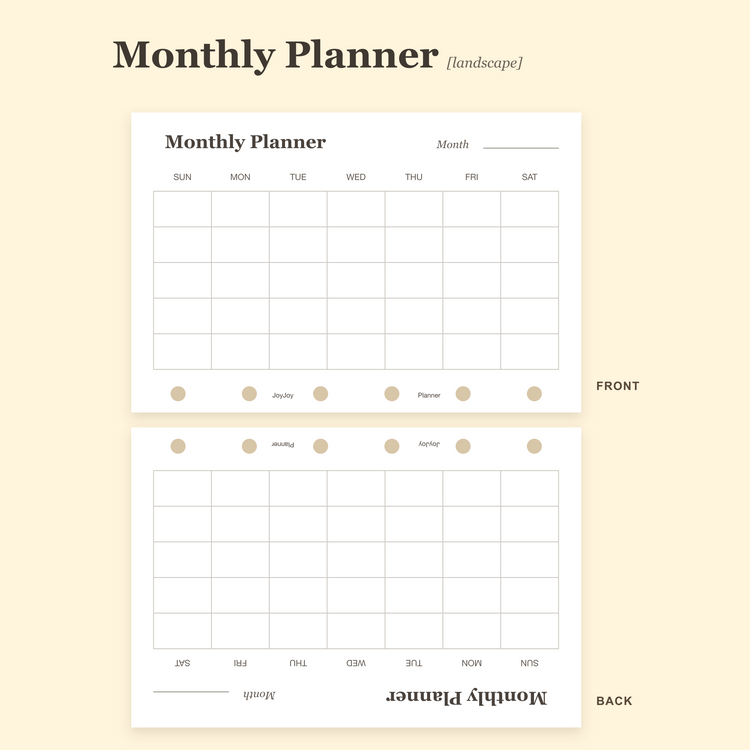
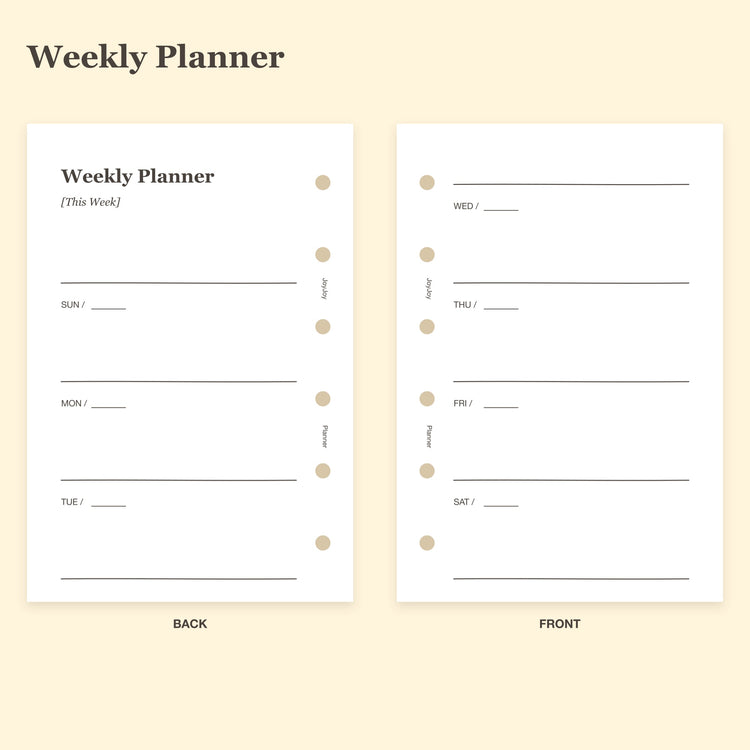
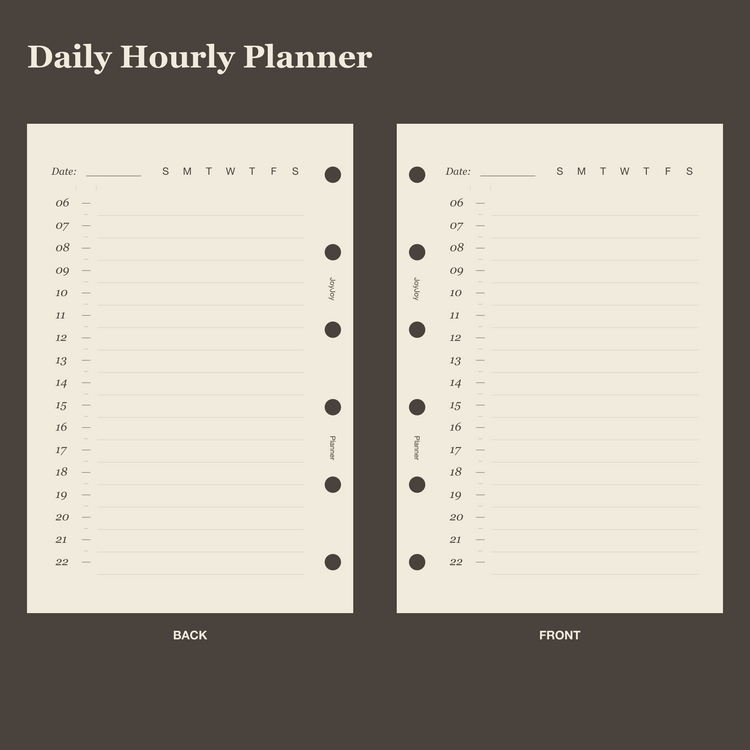
Choose the view you need: a monthly calendar for upcoming dates, a weekly page for your week, or an hourly page for today. Add monthly and weekly trackers when you need a record of repeated activities. These are physical refill pages; select your size and check the exact dimensions and hole pattern.
Compare two monthly calendar layouts, a weekly overview and a daily hourly page. Select a page for dates and appointments, then add trackers if you want to record repeated activities.
Calendar pages show dates and plans. Monthly and weekly trackers help you keep a record. The 2027 dashboard cards are dated; check each product for its exact format.
A7 and M5 layouts are available for the core planning pages. Existing meal-planning pages are listed separately in Personal and A5. Choose only a size available on the product page.
Prefer a specific view? Shop monthly planner inserts or shop daily and weekly planner inserts.
Give each project or goal a focused place in your planner. Use project pages to keep work and status visible, goal pages to record progress, and a 50-day tracker for a challenge you define. Choose the layout that matches what you need to follow through on.
Use Project Tracker to keep projects and their current status together. For day-by-day scheduling, explore our planning pages.
Use Goal Tracker to record progress toward an amount, time or other goal you define. Select a focused layout that fits the kind of progress you want to see.
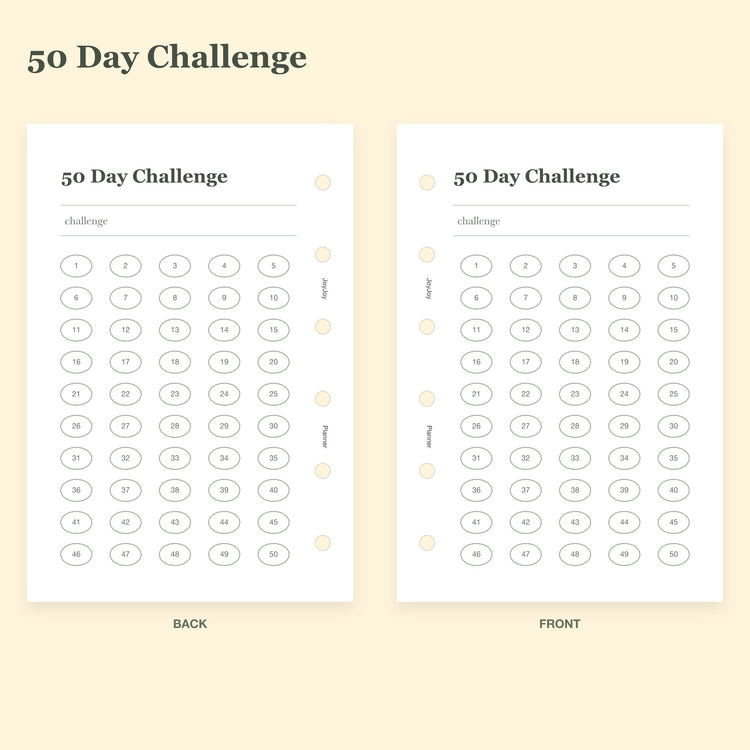
The 50 Day Challenge page gives you an overall progress view for a challenge you define. It does not contain the archived Project 50 seven-rule daily checklist.
Explore challenge and goal pages or read our Project 50 guide for the method and its daily rules.
Choose a simple page for the routine you want to record. Explore habit trackers, sleep and wake-time logs, and weight records for your ring planner. Use one layout at a time, select your size, and compare the finished page and hole pattern.
Start with one habit record you will use regularly. The Habit Tracker layouts are adapted for A7 and M5, with different numbers of habits per page.
Choose Sleep Tracker or Wake Time Tracker for a simple record of your own times. These are paper records without reminders or automatic analysis.
Use Weight Tracker to record measurements over time. These inserts support personal record keeping and do not provide a workout plan or medical guidance.
Start with a clear record of what you spend. These physical expense tracker inserts give everyday purchases a place in your ring planner. Choose your size and check the dimensions before ordering. An expense log records spending; a complete budget also plans income and allocations.
Expense Tracker gives purchases and everyday spending a clear place in your planner. Start with the transactions you want to keep track of.
Choose from the sizes actually offered on each product. A7 and M5 use separate layouts; existing Personal and A5 expense pages retain their listed dimensions.
An expense log records what you spend. A complete budget also plans income and allocations; this collection currently offers expense records rather than a full paycheck or monthly budget system.


